illyshop
K2 Pro Wireless Car Dash Cam, 4K DVR Carplay Android Auto AI Screen, Len Video Recorder for Tourists, GPS Navigation, Prada Dashboard, 11.3 Inches
K2 Pro Wireless Car Dash Cam, 4K DVR Carplay Android Auto AI Screen, Len Video Recorder for Tourists, GPS Navigation, Prada Dashboard, 11.3 Inches
Couldn't load pickup availability
SPECIFICATIONS
Display: IP
Airplay: Support, wireless
Android Auto: Support, wireless
Android Mirror: Support, wireless
Viewing Angle: 170
Audio Output: BT/AUX/FM
Recorded Audio: Yes
Battery: Built-in
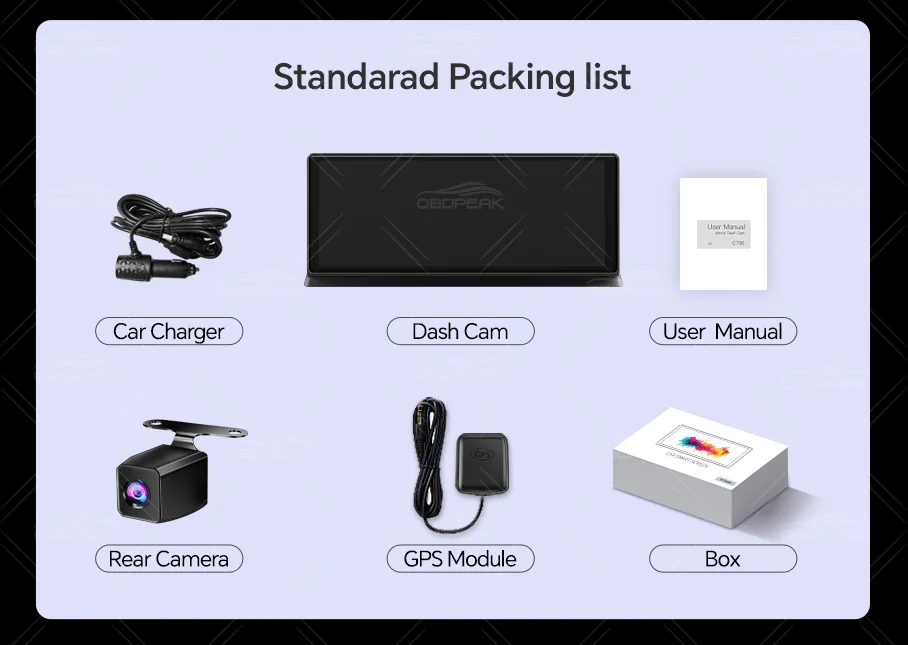
Rear Camera: Yes
Imaging Sensor: GC4653
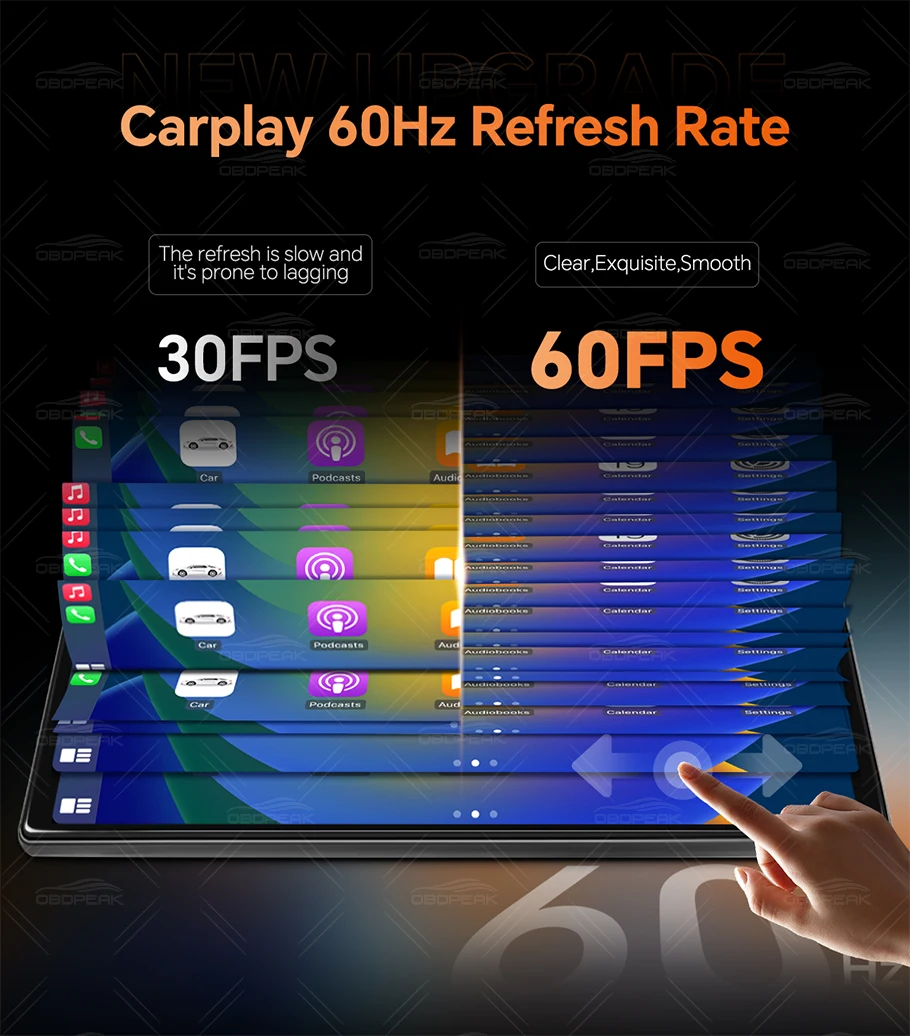
Carplay: Support, wireless
Certification: CE,FCC
Choice: yes
Video Code: H.264
Original Packaging: Yes
GPS Logger: External
Chipset Manufacturer: Allwinner
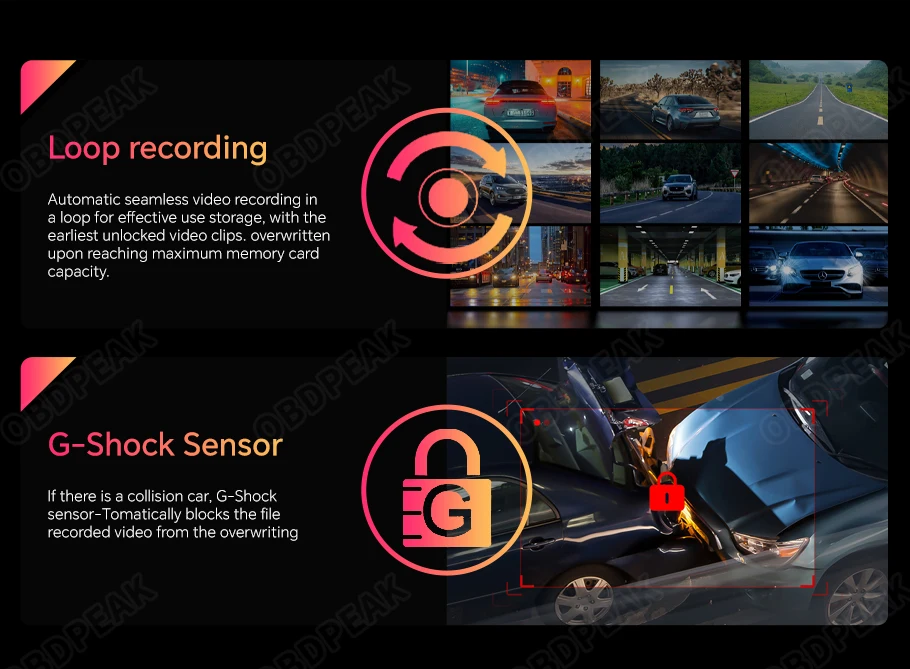
Loop Recording Function: Yes
Special Features: G-sensor,Digital Zoom,SD/MMC Card,With Rearview Mirror,Anti Surge Impact,Waterproof,Anti-fog,Anti-vibration,Automatic White Balance,Wide Dynamic Range,Wifi Function,Bluetooth,Speed & Coordinate Recording,External GPS
Video Format: TS,MP4
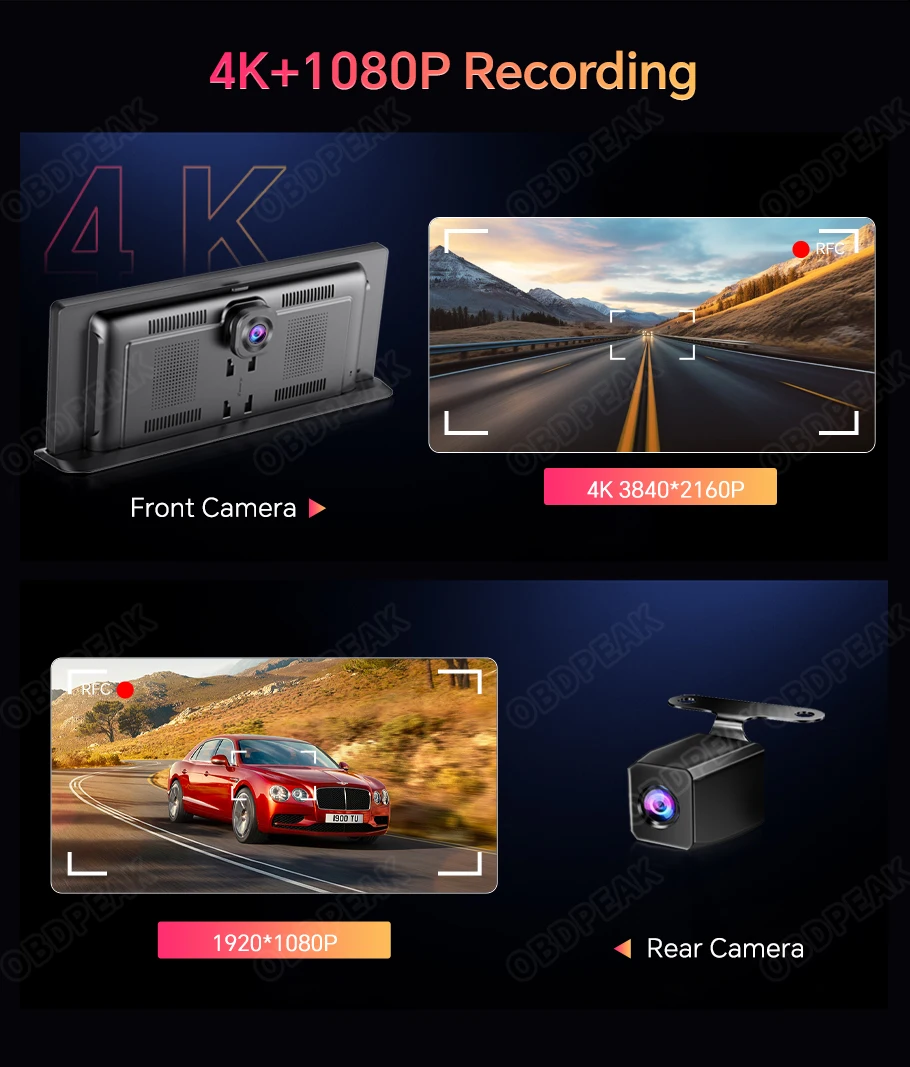
Front Camera: 4K 3840*2160P
Frames Per Second: 30
Interface: AV-IN,Bluetooth,Wi-Fi,MICROSD/TF,Type-C
OSD Language: Chinese (Simplified),Chinese (Traditional),English,French,German,Italian,Japanese,Korean,Polish,Russian,Spanish
Batteries Included: Yes
Assembly Mode: Rearview Mirror
Model: OBDPEAK K2 Pro
Maximum External Memory: 128GB
Brand Name: OBDPEAK
Number Of Lenses: 2
Origin: CN (Origin)
Pixels: 1200 Megabytes
High Concern Chemical: None
Screen Ratio: 16:9
Rear Camera: 1920*1080P
Camera Resolution: 3840 x 2160
Power Source: Wired Electric
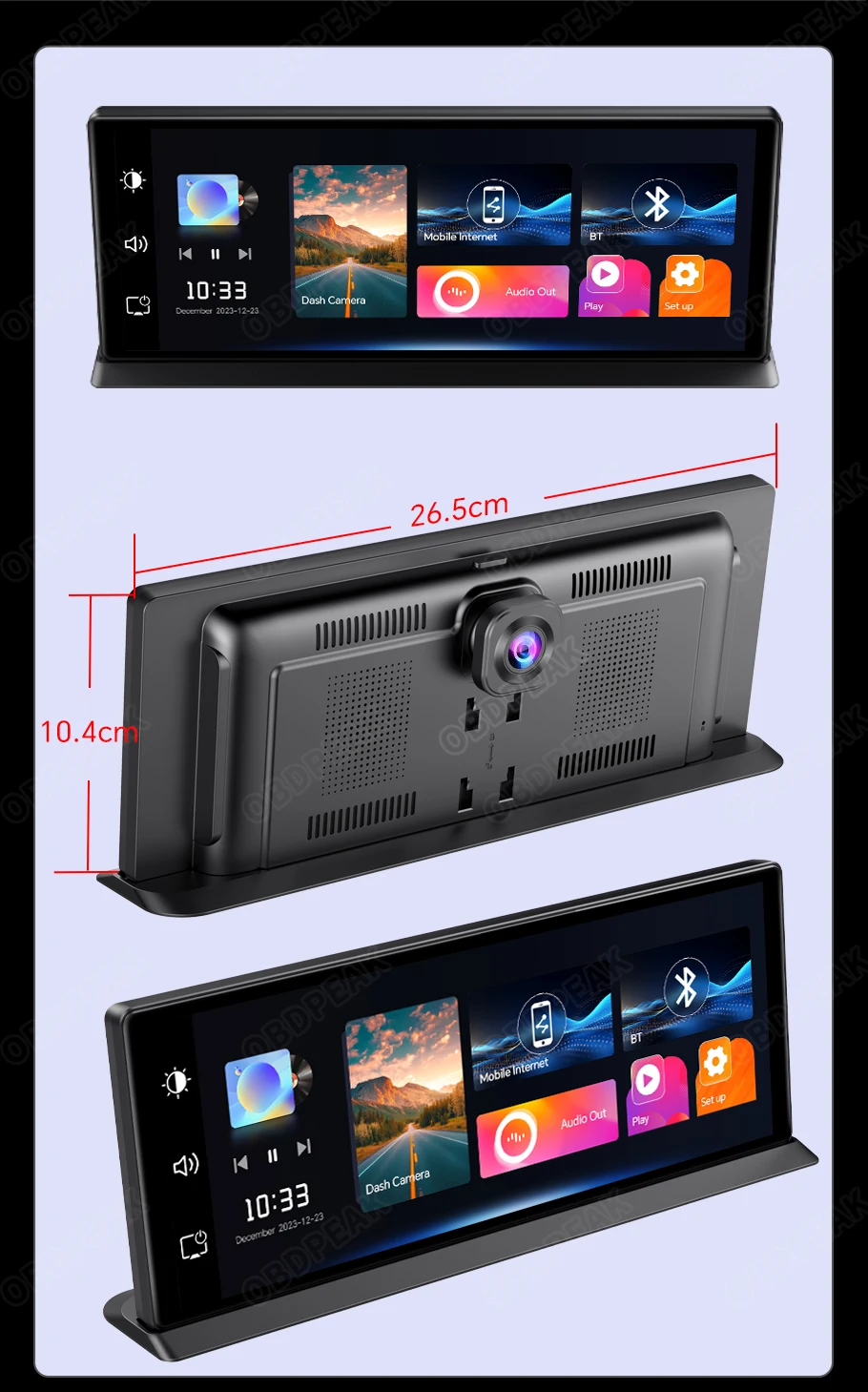
Display Size: 11.3 inch
Item Type: Car DVR
Memory Card Required Reading Speed: Class 10
Built-in Screen: Yes
Touch Screen: Yes

Supports dropshipping
Our products support dropshipping, if you sell our products on other platforms, you can contact us for a better price and we can send the package directly to your specified location.
Note: Android Auto is only available with Android 11 or higher, and Huawei phones do not support Android Auto.
2 systems + 2 cameras
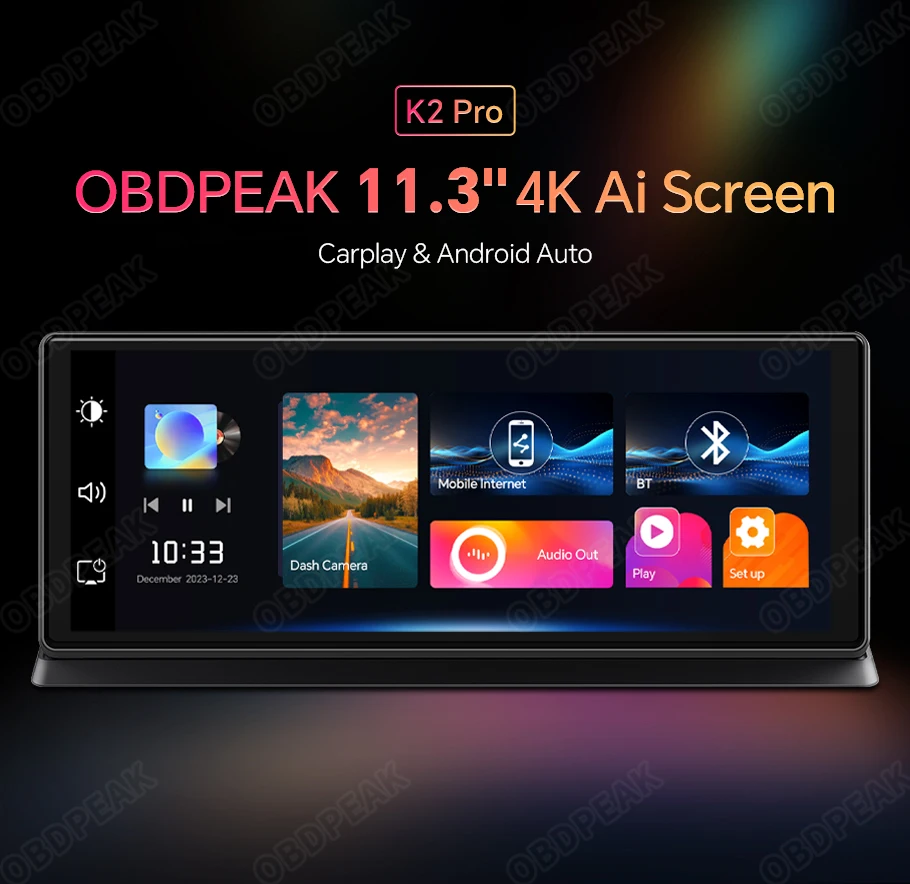
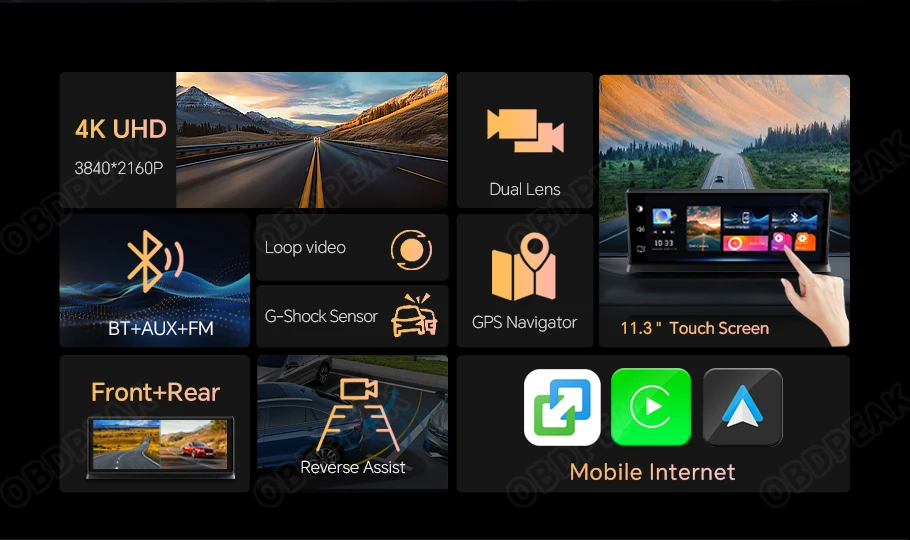
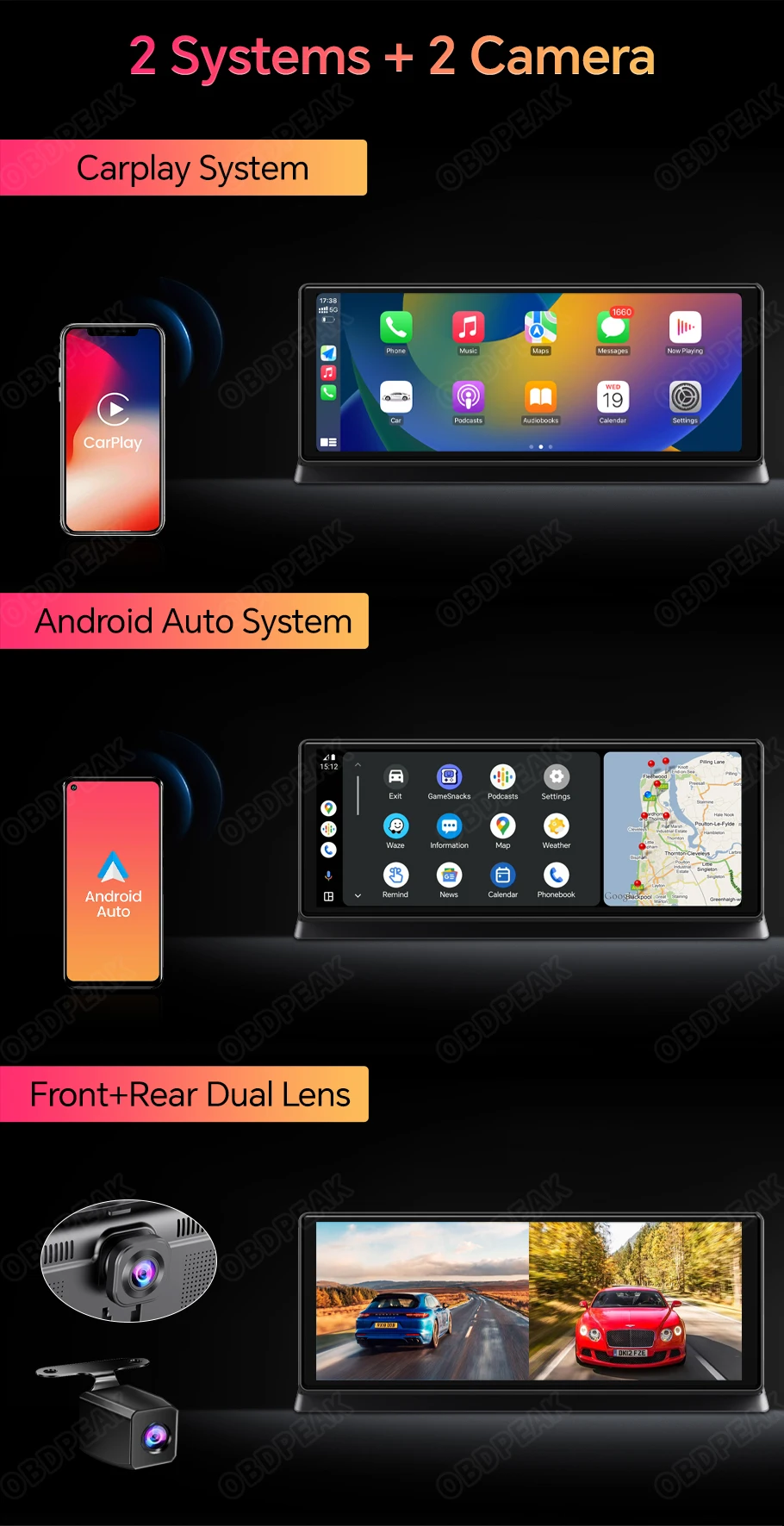
The OBDPEAK K2 Pro features an incredibly integrated 2-system, a Carplay/Android Auto system, and has added a dual lens to meet all your car driving needs!
GPS Navigation
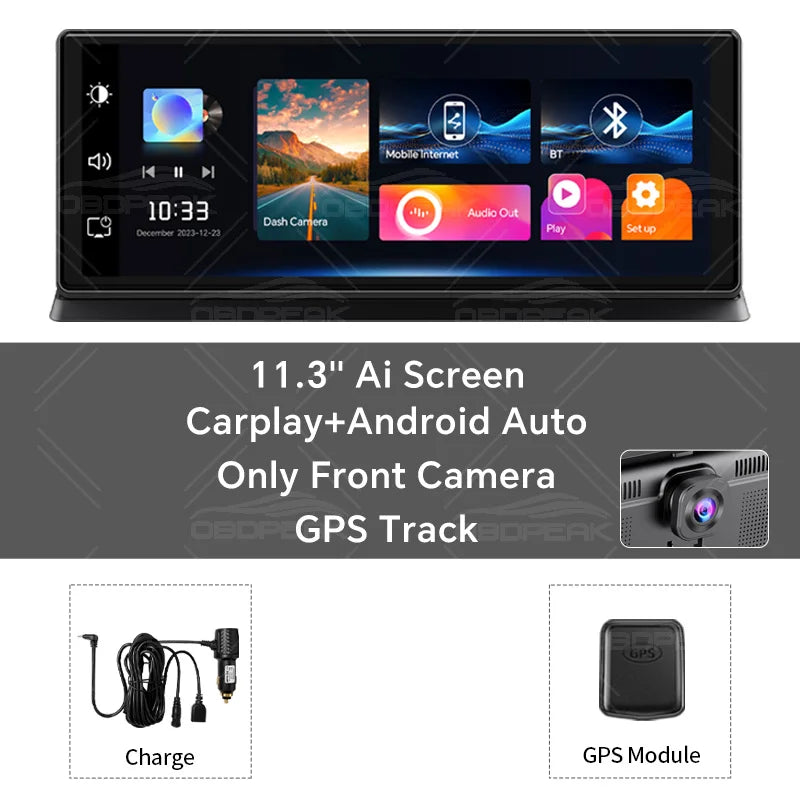
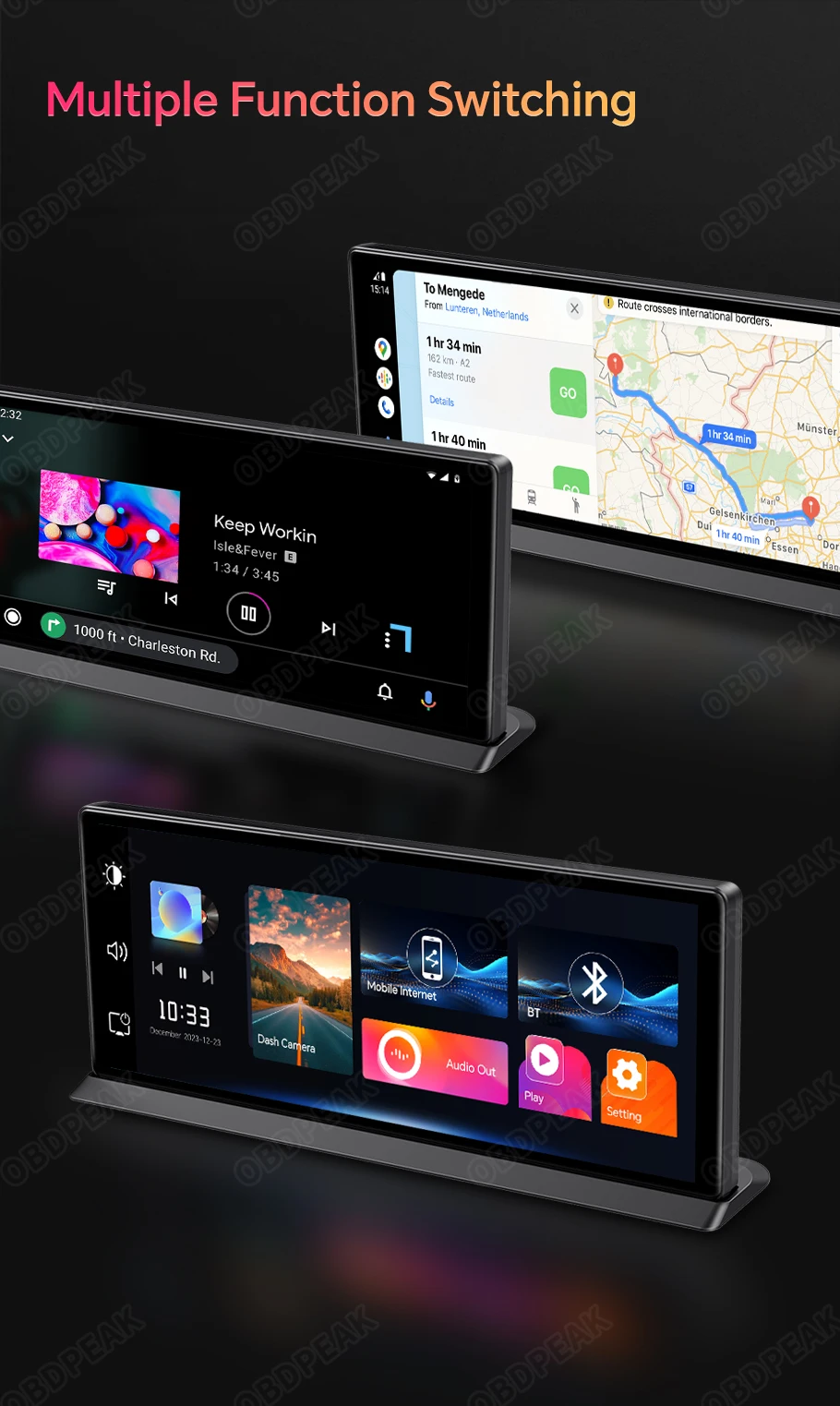
By connecting Carplay or Android Auto to your phone's navigation app, you can display the map in full screen on an 11.3-inch screen, larger and clearer!

11.3-inch Touch Screen Plus
This time, we have upgraded to a larger screen, which is a significant improvement over the 10.26-inch K2. A larger screen is conducive to viewing navigation, more high-end, and brings you unprecedented enjoyment!
Multiple Functions
Based on the powerful Carplay and Android Auto systems, you can use K2 Pro for GPS navigation, Bluetooth phone calls, and listening to music. It's an essential tool for your trip.
(K2 Pro supports wireless for Carplay/Android Auto)
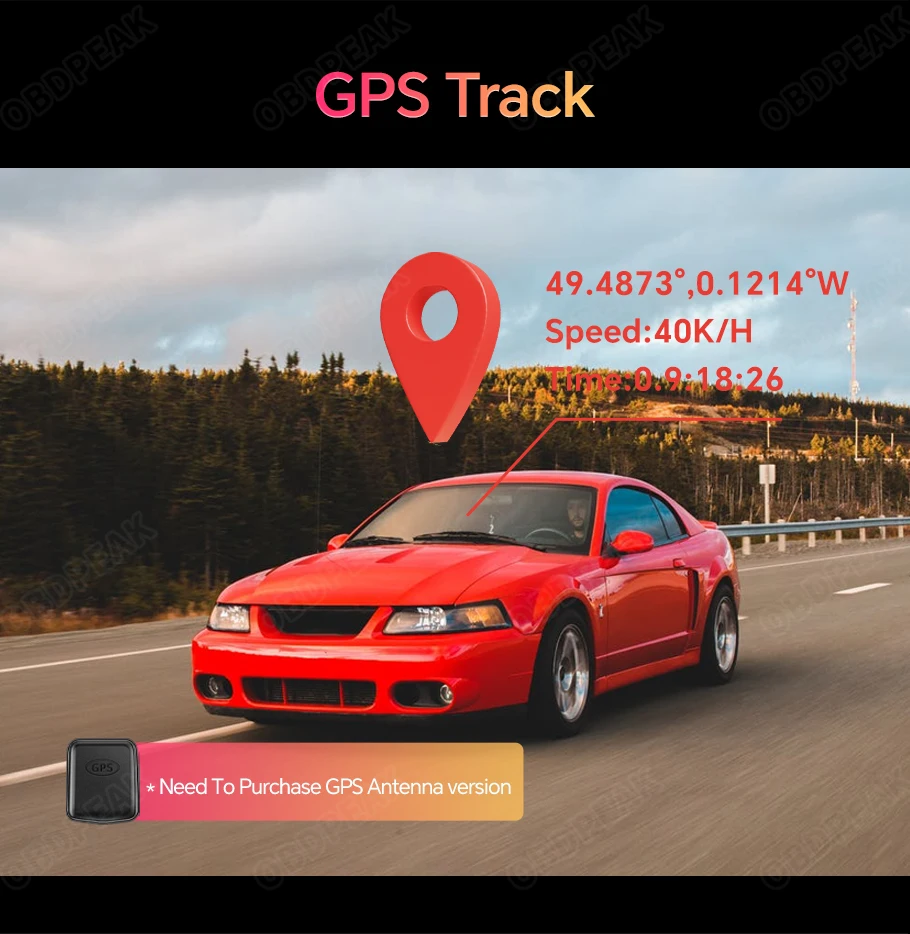
After connecting the GPS module, the DVR will display the speed and record speed, coordinates, and track. Dedicated player, more detailed playback display. You can view your speed, coordinates, and track in detail.(need to purchase the GPS antenna version)
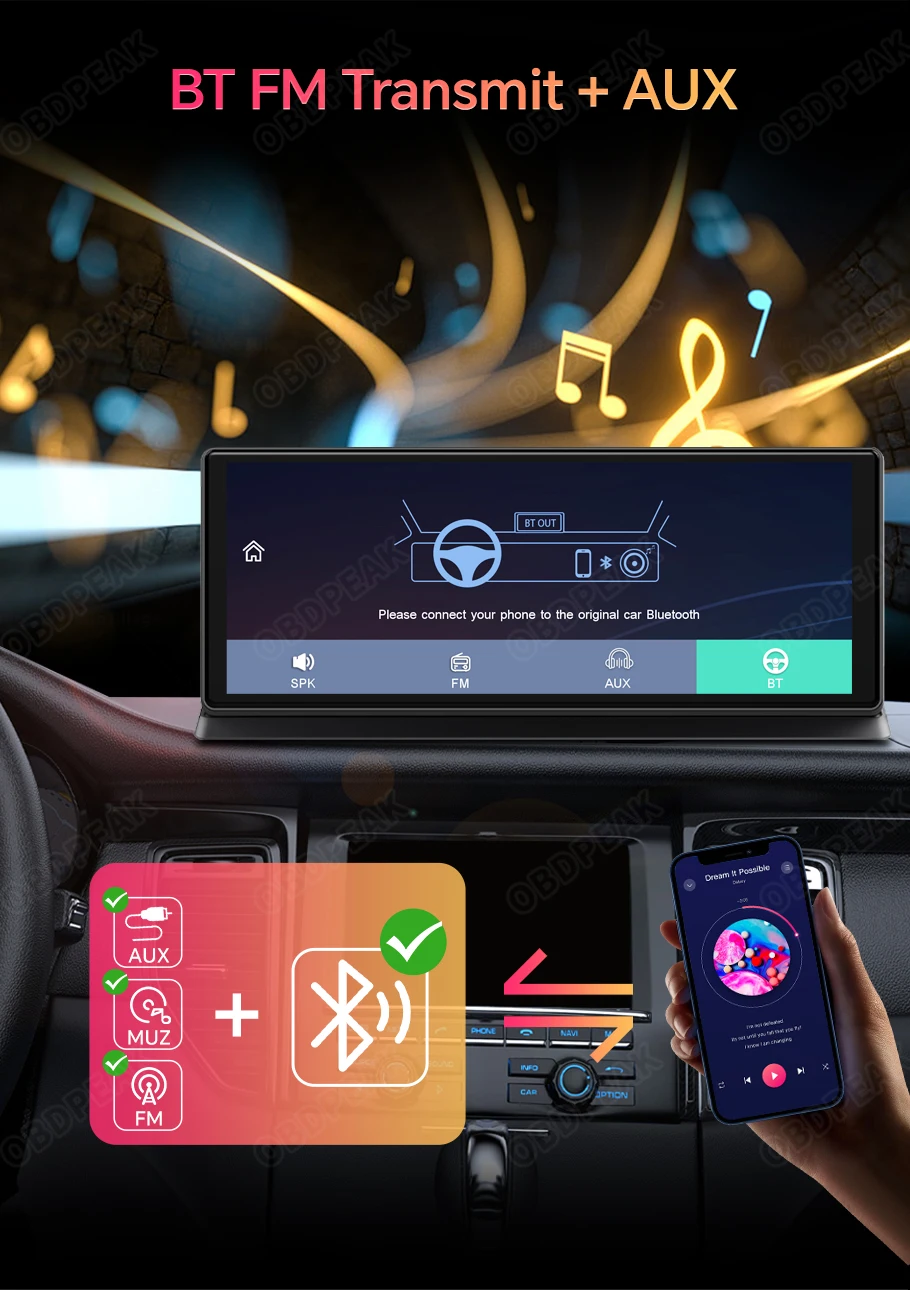
High Fidelity Audio Output
Are you concerned about the sound quality of the product?
You don't have to worry at all, as K2 Pro integrates a multi-chip audio output mode, allowing K2 Pro to seamlessly connect to car audio,
Wireless Bluetooth or FM output or wired AUX audio output can be selected, and high-fidelity audio output can be maintained (Include AUX cable)
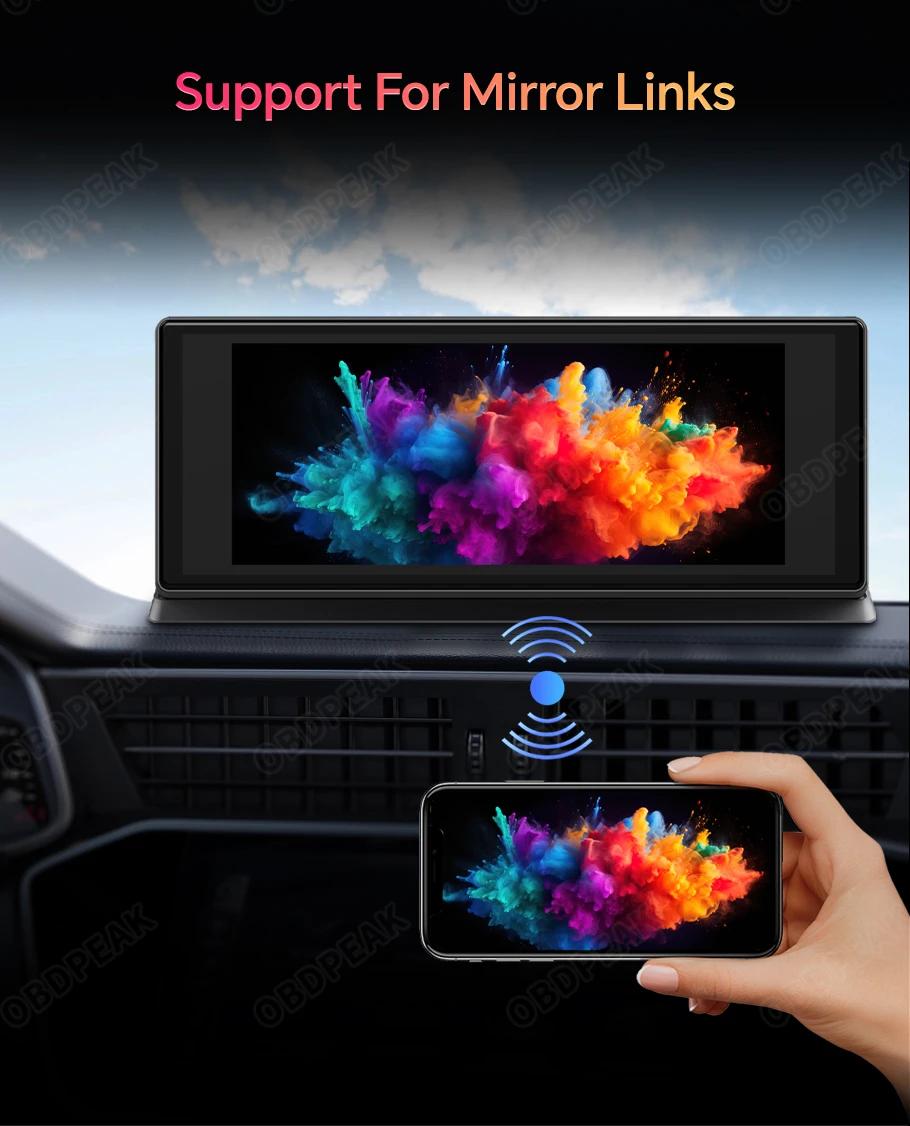
Mirror Link
Support Airplay/Android Wireless Mirror
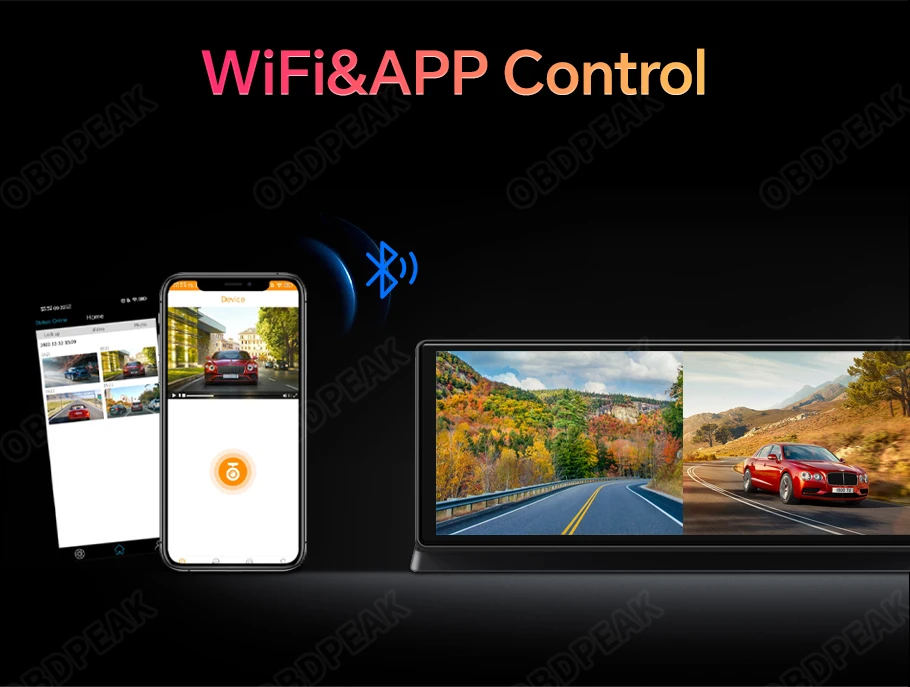
In-app video download and real-time viewing
The scenery of a journey is always beautiful. K2 Rro records exciting landscapes at any time. When you need images or videos, you can connect to the device via the app to export them, share them on social media in a timely manner, or provide proof for insurance.
Full Screen Reversing
Are you worried about safety behind the car when reversing?
When reversing, the system will automatically turn on the high-definition reversing camera at the rear of the car and clearly display the condition of the rear of the car on the inverted IPS screen, so that you can accurately grasp the road conditions at the rear. It also works well in rainy and dusty weather.
(Need to purchase a version with a rear camera)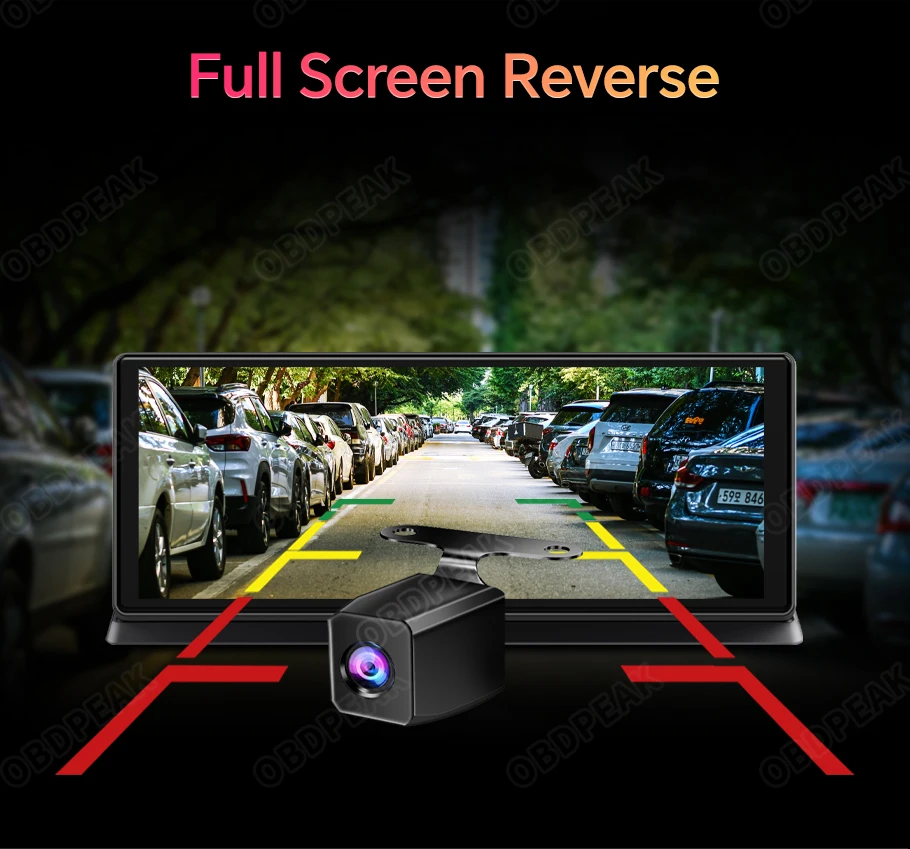
FAQ
For product after-sales issues or software updates, please click the link below to contact us, we will provide technical support
https://www.aliexpress.com/item/1005005651942973.html

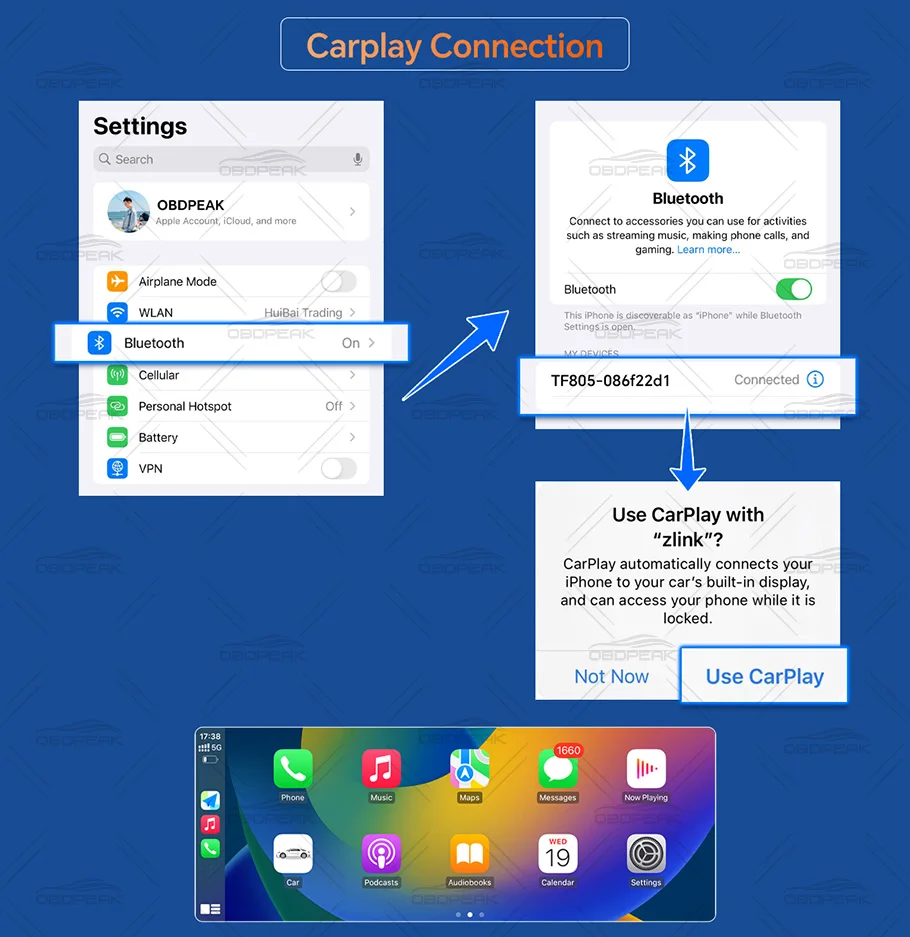
Q: How to connect Carplay?
A: It is recommended to have a mobile version of IOS7 or above, open the Carplay device, connect the phone's Bluetooth, connect the device's Bluetooth, and automatically switch to Carplay.
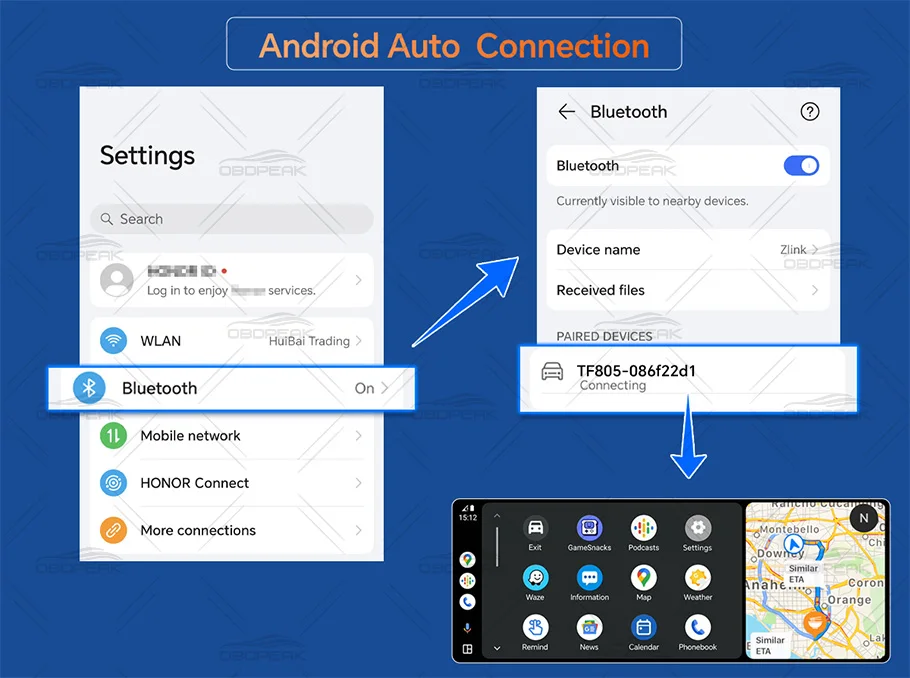
Q: How to connect to Android Auto?
A: It is recommended to use Android 11 or higher on mobile phones, select the Android Auto device, then connect the phone's Bluetooth, connect the device's Bluetooth, and automatically switch to Android Auto.
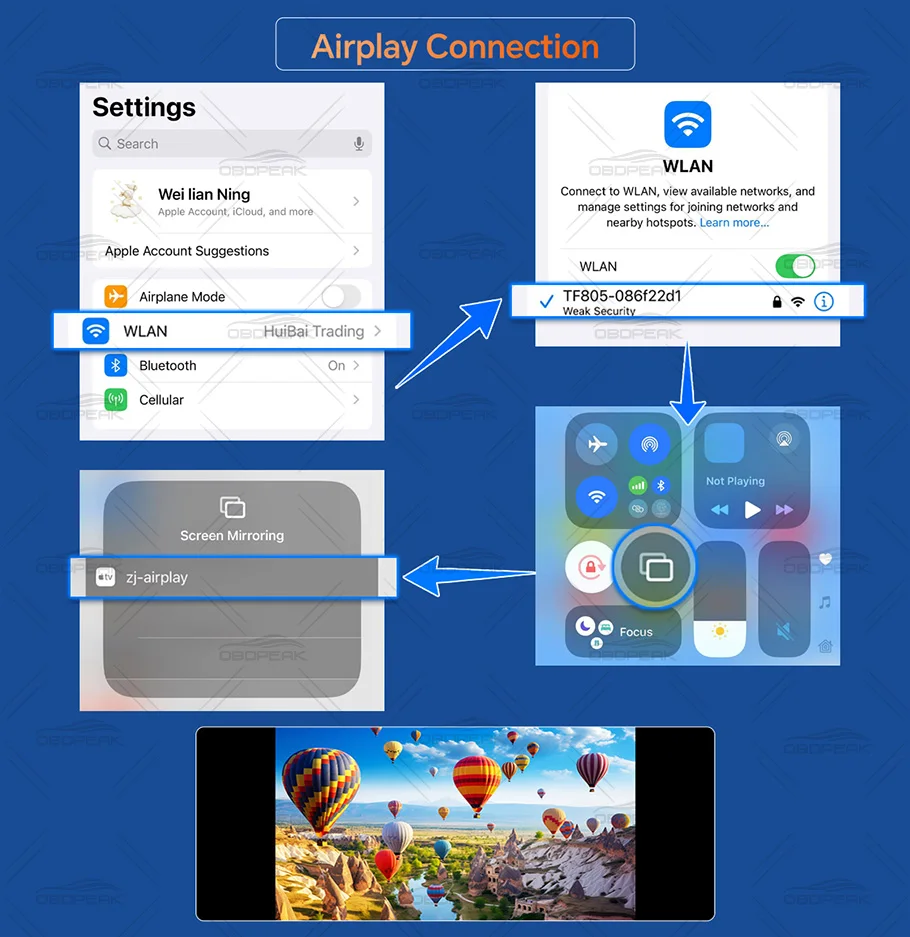
Q: How to connect Airplay?
A: Select the device's Airplay, open mobile WIFI, connect the device's WIFI, scroll down the phone settings, and select the device's screen mirroring.
Q: How to connect to Android Mirror?
A: Select the Android Mirror device, scan the QR code to download the dedicated software, then connect to the device's WIFI, and select the device's screen mirroring option in the software.