illyshop
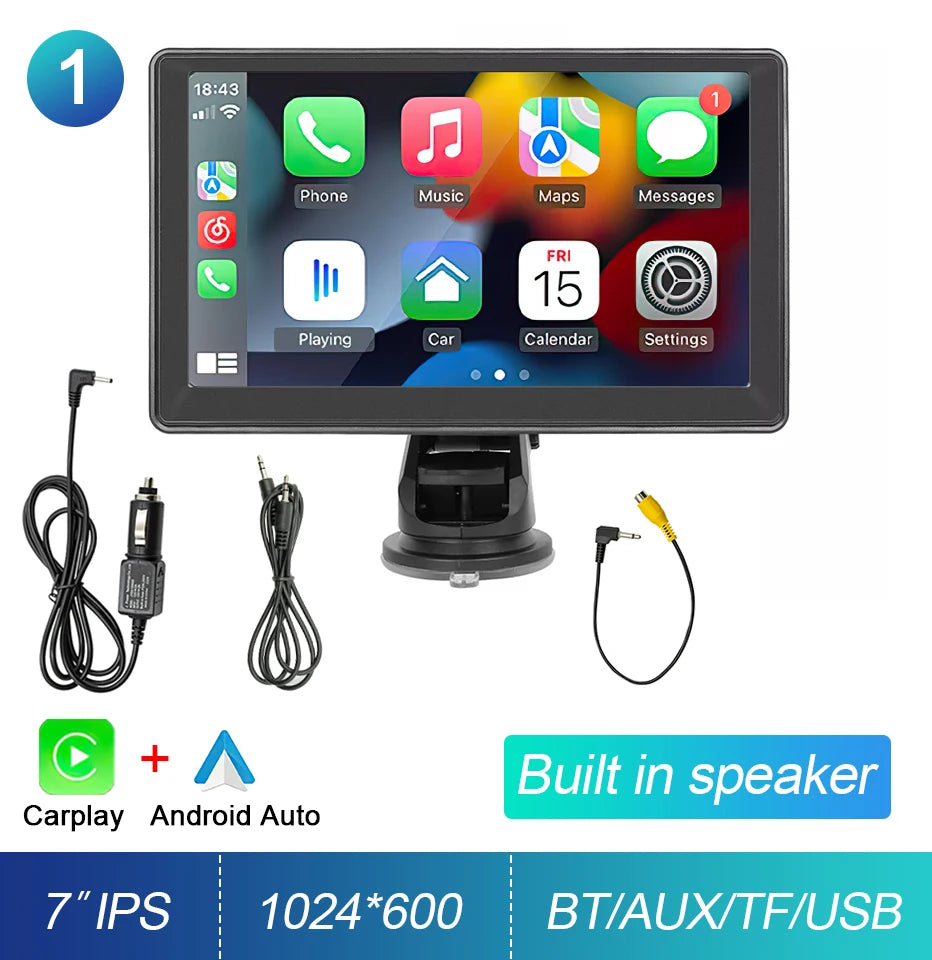
7-inch Portable Touchscreen IPS CarPlay Android Auto Car Stereo Multimedia Video Player GPS Navigation Wifi Backup Camera
7-inch Portable Touchscreen IPS CarPlay Android Auto Car Stereo Multimedia Video Player GPS Navigation Wifi Backup Camera
Couldn't load pickup availability
SPECIFICATIONS
Special Feature: Built-in Speaker/Microphone, Wifi Function
Certification: CE
Choice: yes
Din: Double Din
Is it a touchscreen: Yes
Special Features: Mobile Phone, MP3 Players, Voice Control, Car Play, Android Auto, Reversing Input, Split Screen
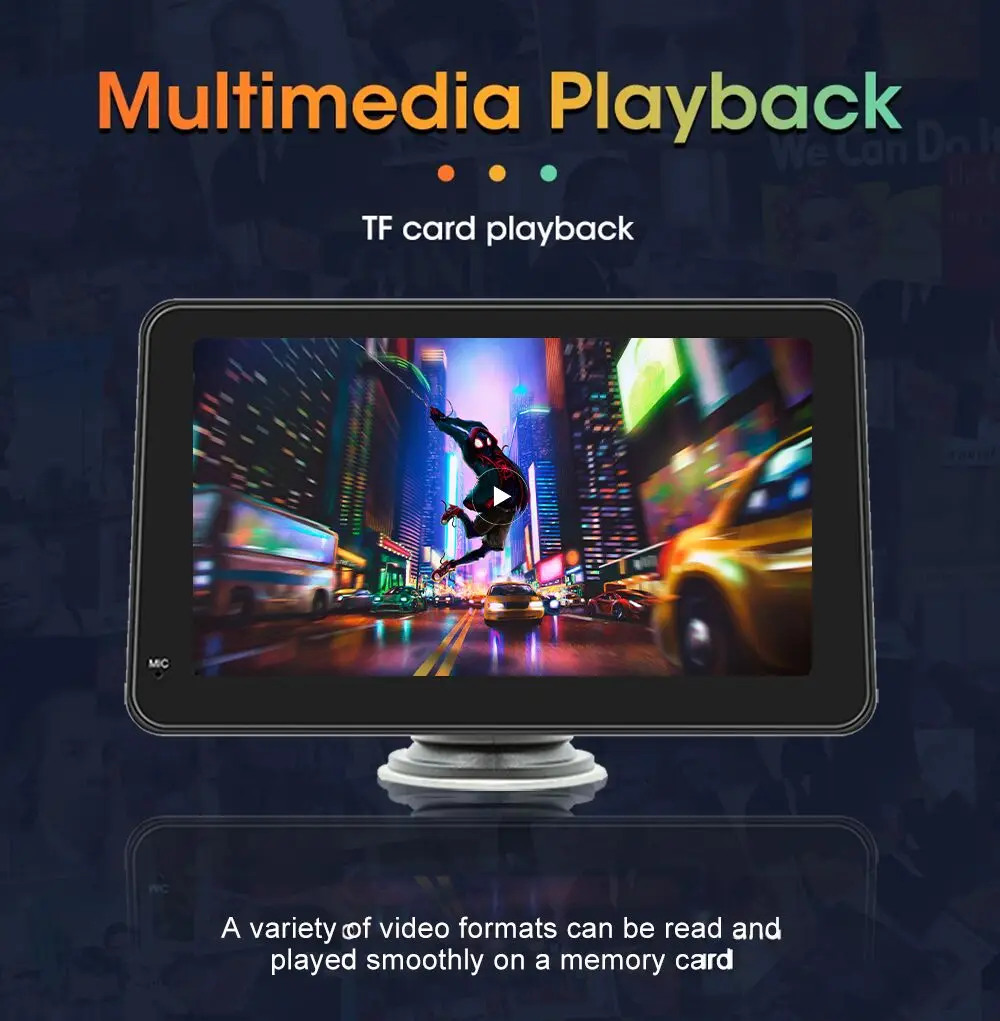
Digital Media Format: CD, DVD-R/RW, DVD-RAM, Video CD, Mp3, MP4, JPEG
Warranty: 1 year
OSD Language: Chinese (Simplified), Chinese (Traditional), Arabic, Polish, German, Russian, FRENCH, Korean, Dutch, Czech, Portuguese, Japanese, Turkish, UKRAINIAN, HEBREW, Spanish, English
Brand Name: other
Origin: CN (Origin)
Item Weight: 0.6
High Concern Chemical Product: None
Resolution: 1024*600
Preset Station: 18
Operating System: Linux
Display Size: 7"
Voltage: 12V
Built-in Screen: Yes
Description
Report Item
• Universal Compatibility: This car radio multimedia player is compatible with both Apple and Android devices, making it a versatile option for any driver.
• Wireless Carplay and Android Auto: With wireless Carplay and Android Auto, you can easily connect your phone to your car's audio system and enjoy seamless integration.
• 7-inch Screen Real Estate: The 7-inch screen real estate provides ample space for viewing videos, navigating menus, and more.
• WIFI Connectivity: Built-in WIFI connectivity allows you to easily stream music, videos, and more without the need for a physical connection to your phone.
• Universal Compatibility: This car radio multimedia player is compatible with both Apple and Android devices, making it a versatile option for any driver.
• Wireless Carplay and Android Auto: With wireless Carplay and Android Auto, you can easily connect your phone to your car's audio system and enjoy seamless integration.
• 7-inch High-Quality Display: The 7-inch high-quality display provides clear and detailed visuals, making it easy to navigate your music and videos.
7-inch IPS display
Wireless Carplay | Android Auto | Mirrorlink
Product suitable for all cars
7-inch Smart Screen

Wireless Carplay & Android Auto
FIVE-LEVEL TECHNOLOGIES
Start FM transmission time
FM broadcast in one second after power-on (the start interface has been started to avoid noise).
Quick boot at startup
Startup time: within 3 seconds.
Display reverse image
Display reverse image: within 5 seconds.
Carplay/Android Auto
Carplay/Android auto connection time: 8 seconds
System operation and response
System operation and response time: instant response without delay.

Introduction to Functions

BT MUSIC AND HANDS-FREE CALLING
More stable signal Most mobile phones can be automatically paired Cally Lower power consumption More environmentally friendly

Wireless multimedia output

Voice Assistant
SIRI & GOOGLE VOICE CONTROL
In the car, you can use Siri Voice Google to control your car navigation for a happier and safer driving journey

Easy Installation and Mounting

12NM Processor - faster speed and less heat dissipation

Q: How do I connect Carplay and Android Car?
A: Search for the Bluetooth device "carplay" on your mobile phone. When you connect it for the first time, the mobile phone will show a prompt, please click to use or trust the device.
.
Q: How do you get the sound through the car horn?
A: There are three points on the sound issue:
1.Our device comes with a small speaker that can output sound, you can enable the setting;
2.Transmit sound to the original car radio through the device's FM transmission function (e.g., select 86.3 MHz on the device, then play music on U disk, then search for 86.3 MHz on the car radio);
3.Use the 3.5mm AUX cable to transmit audio to the original car player via the machine's AUX OUT interface (some models do not support this function, please refer to the product interface description for details).
Q: Bluetooth connection fails or some functions are abnormal after connection?
A: Please use your mobile phone to search for the machine's Bluetooth, and the name is "carplay"; Delete devices that have been paired but are not connected to the phone. Some Bluetooth devices that have been paired with each other may prevent the phone's Bluetooth from being paired with other devices or cause abnormal function.
Q: Will the Bluetooth connection not automatically connect to the car player or Android auto?
A: Some connected Bluetooth devices will prevent our device from automatically jumping. Please clear all paired Bluetooth devices on the mobile phone, restart the Bluetooth of the mobile phone and the vehicle device, and re-establish the Bluetooth connection.