illyshop
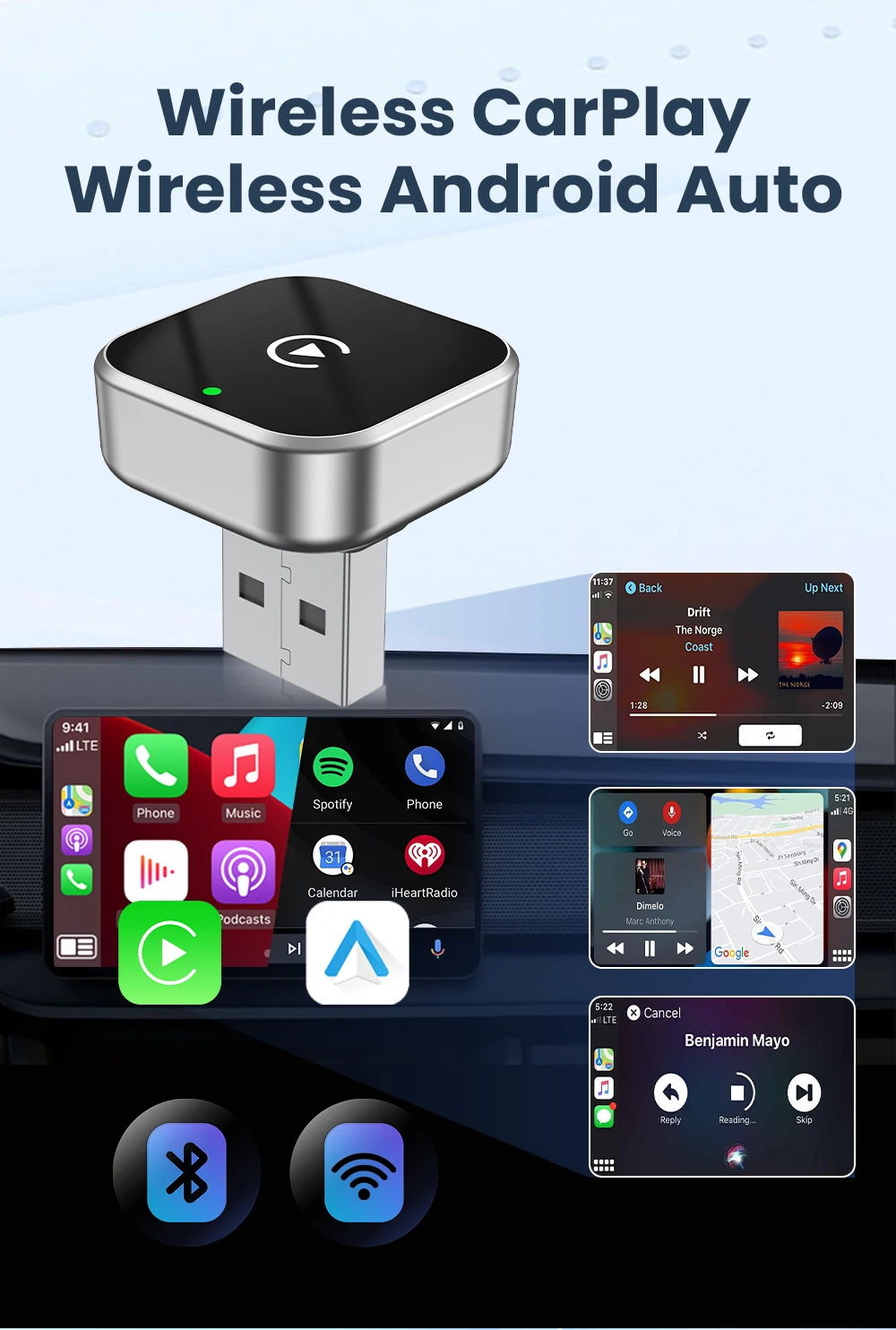
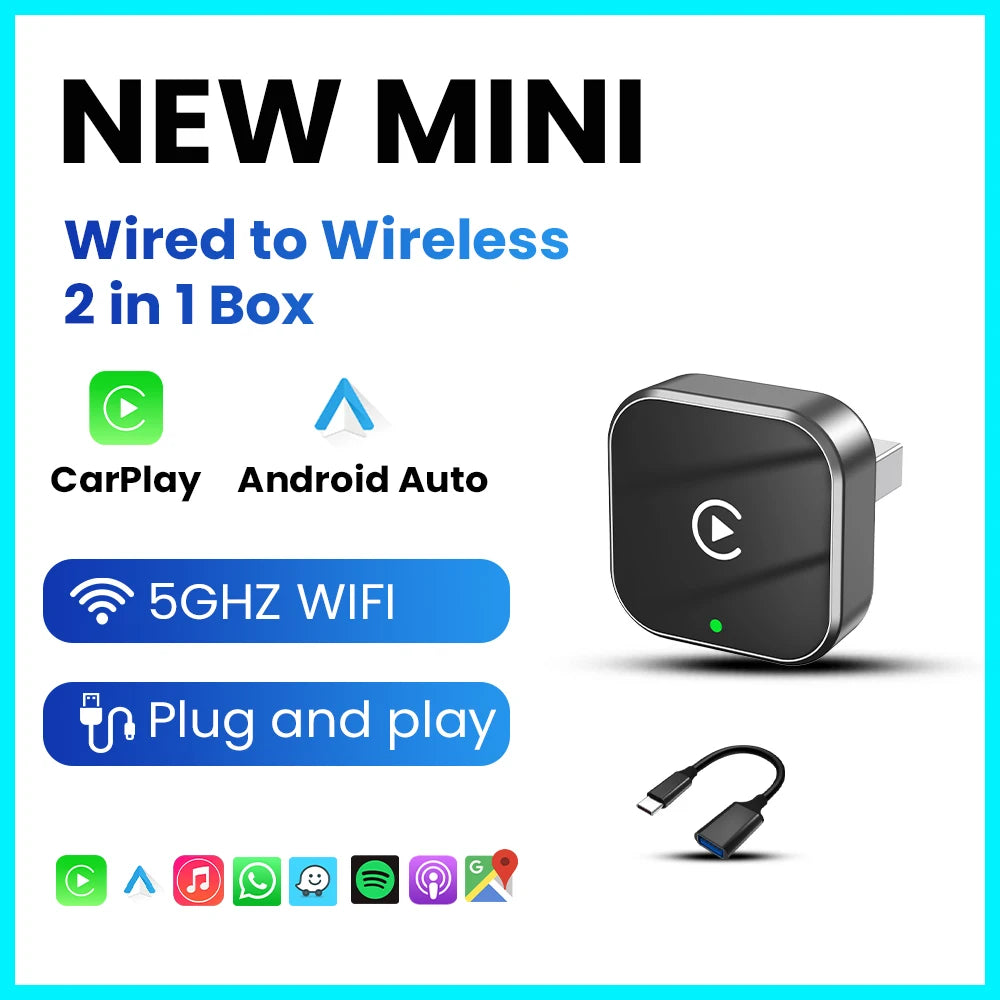
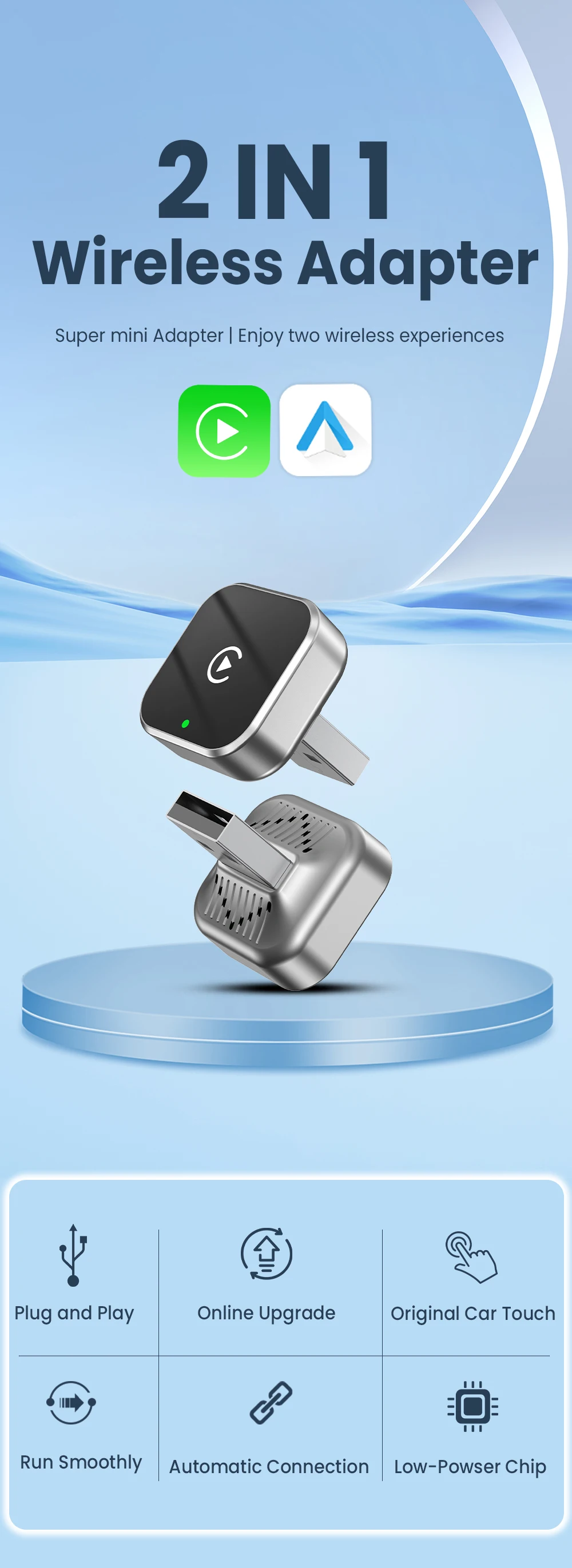
PLAYAIBOX 2-in-1 Wireless CarPlay Android Auto Supermini Box Adapter Plug And Play Bluetooth WiFi Dongle Fast Connection
PLAYAIBOX 2-in-1 Wireless CarPlay Android Auto Supermini Box Adapter Plug And Play Bluetooth WiFi Dongle Fast Connection
Couldn't load pickup availability
SPECIFICATIONS
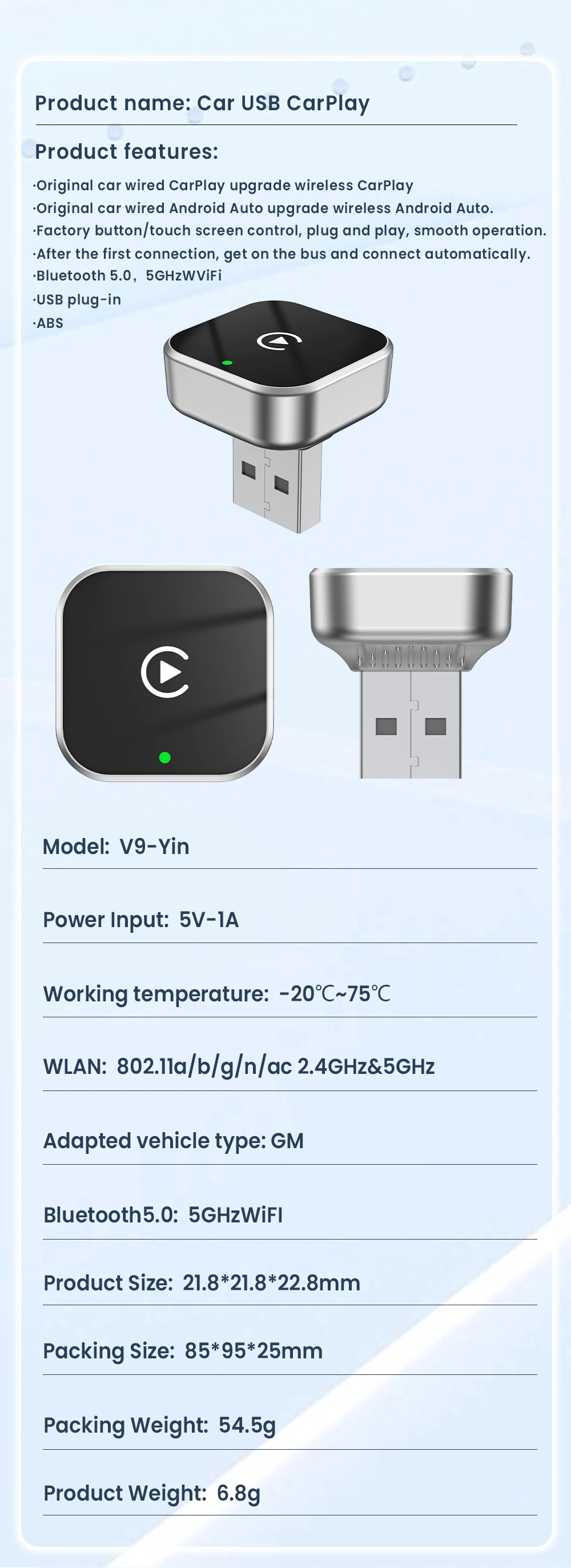
Bluetooth: 5.0
Choice: yes
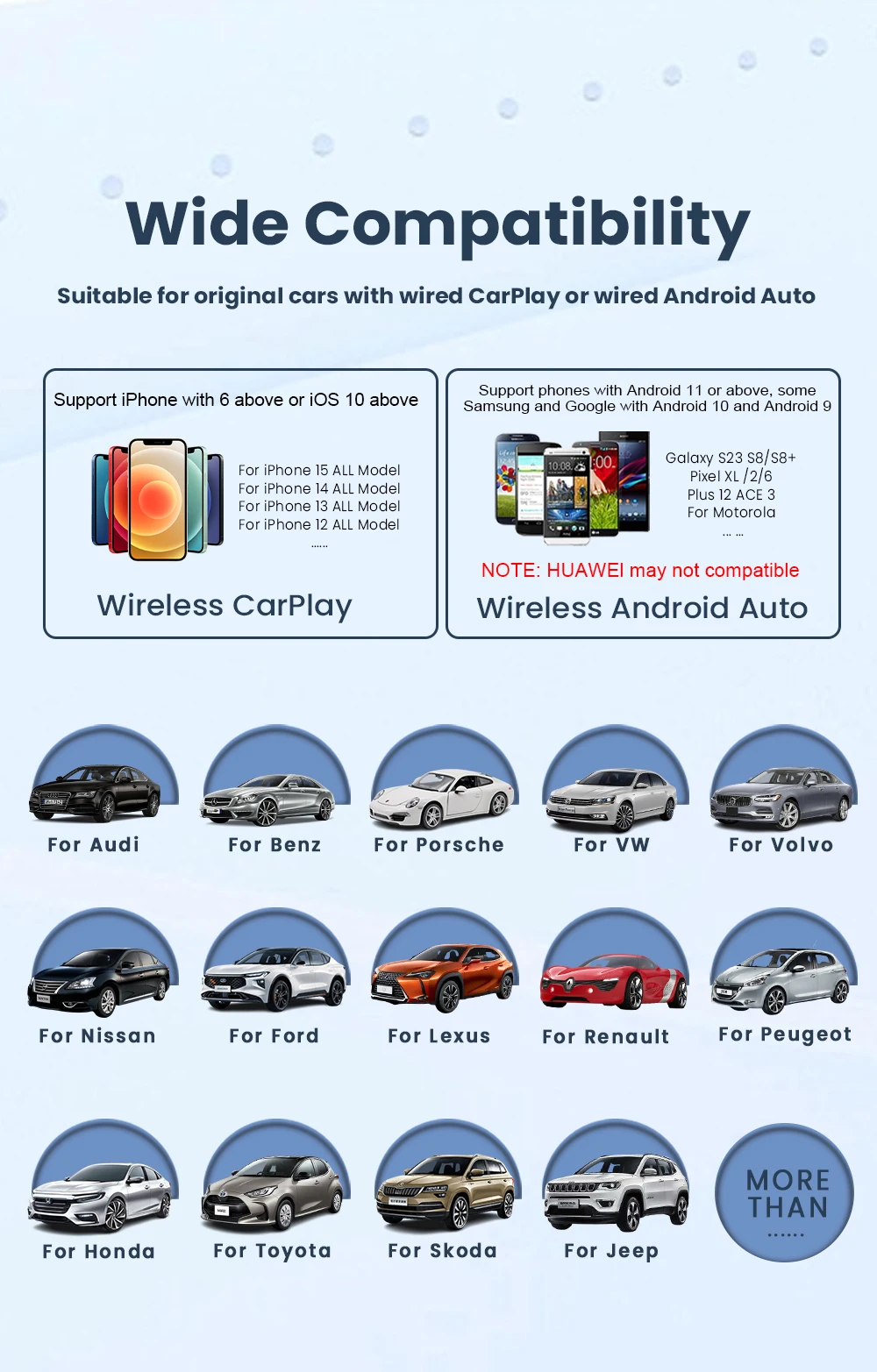
Usage Conditions: Only supports original cars with wired CarPlay/Android Auto
Feature: Wireless CarPlay
Feature1: Wireless Android Auto
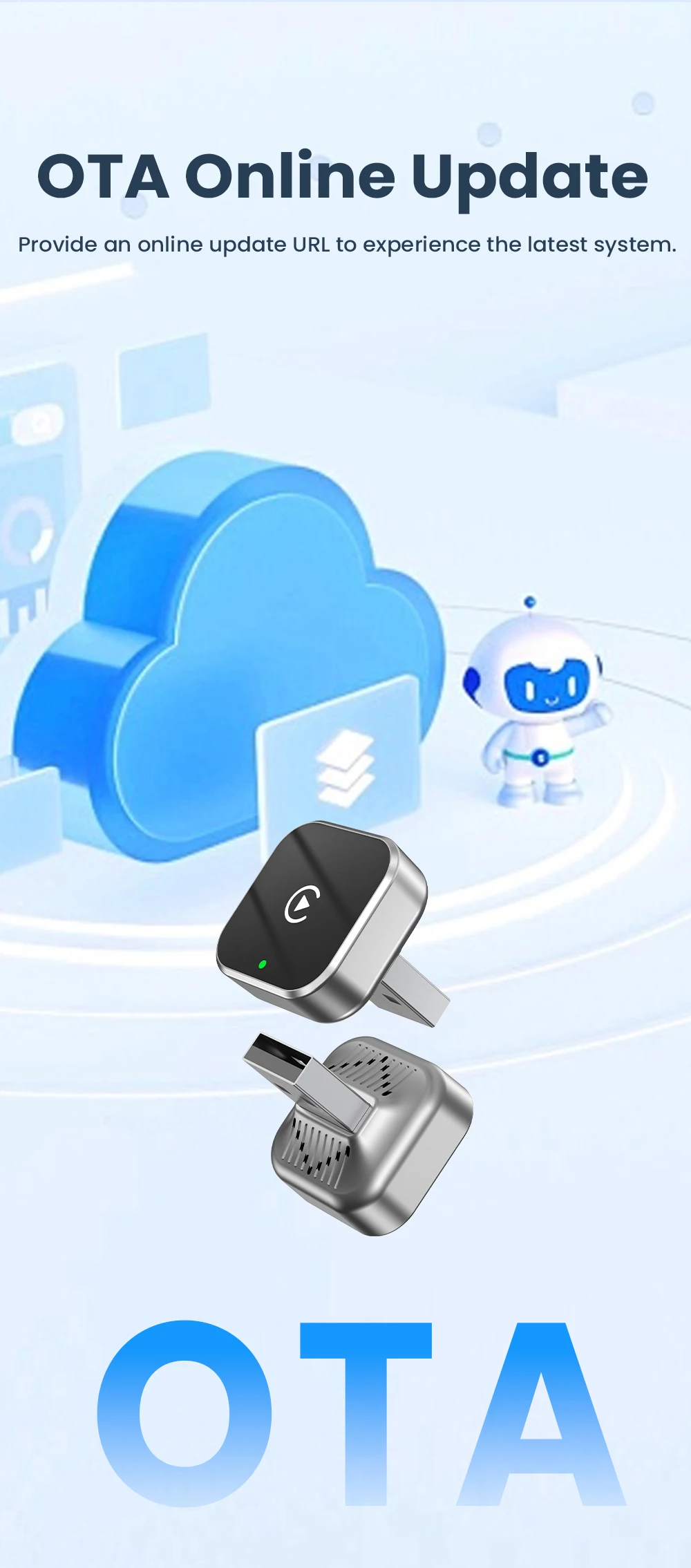
Feature2: Fota Update
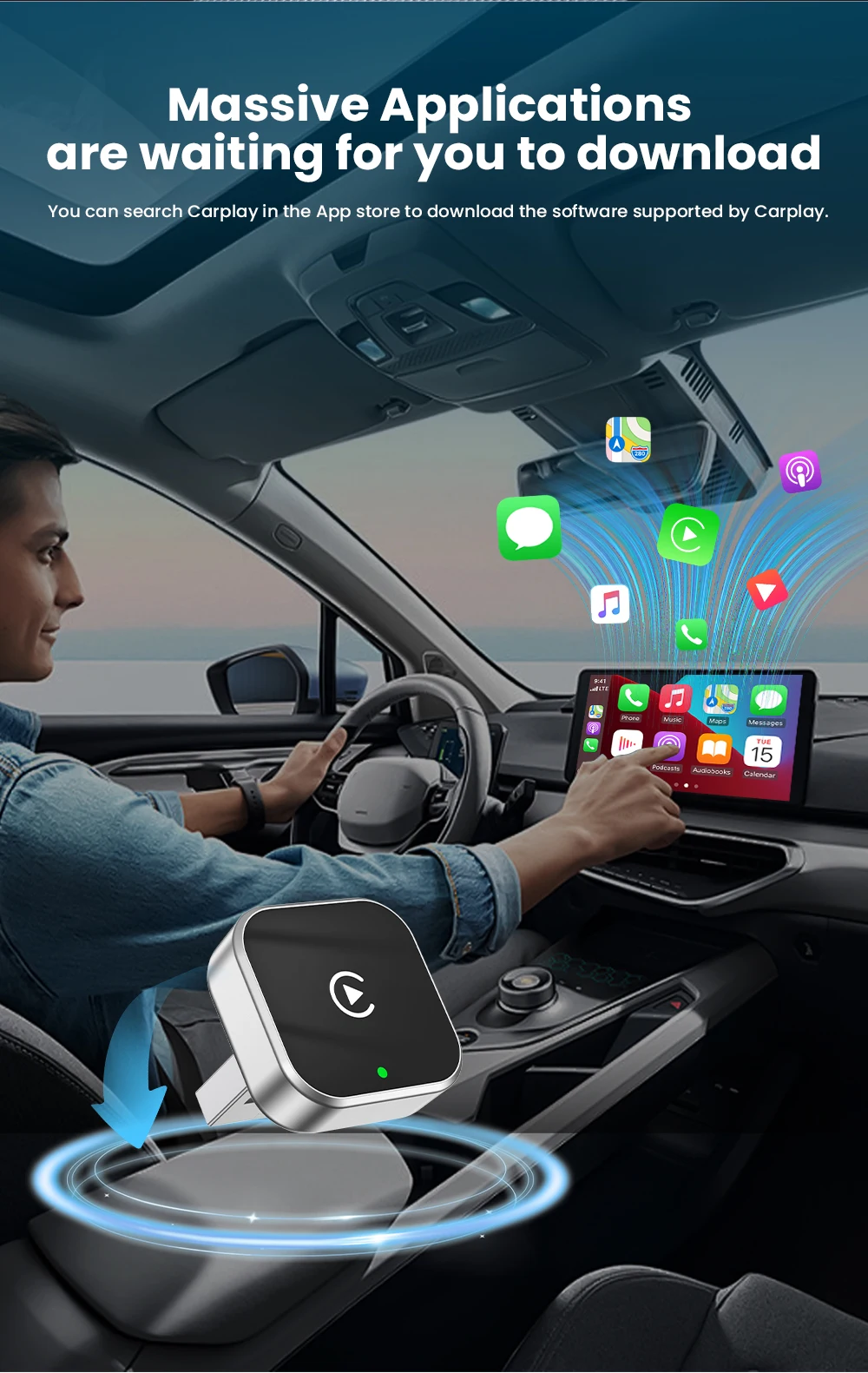
Feature3: Plug and play
Feature4: CarPlay Adapter
Feature5: Android Auto Adapter
Origin: CN (Origin)
High Concern Chemical: None
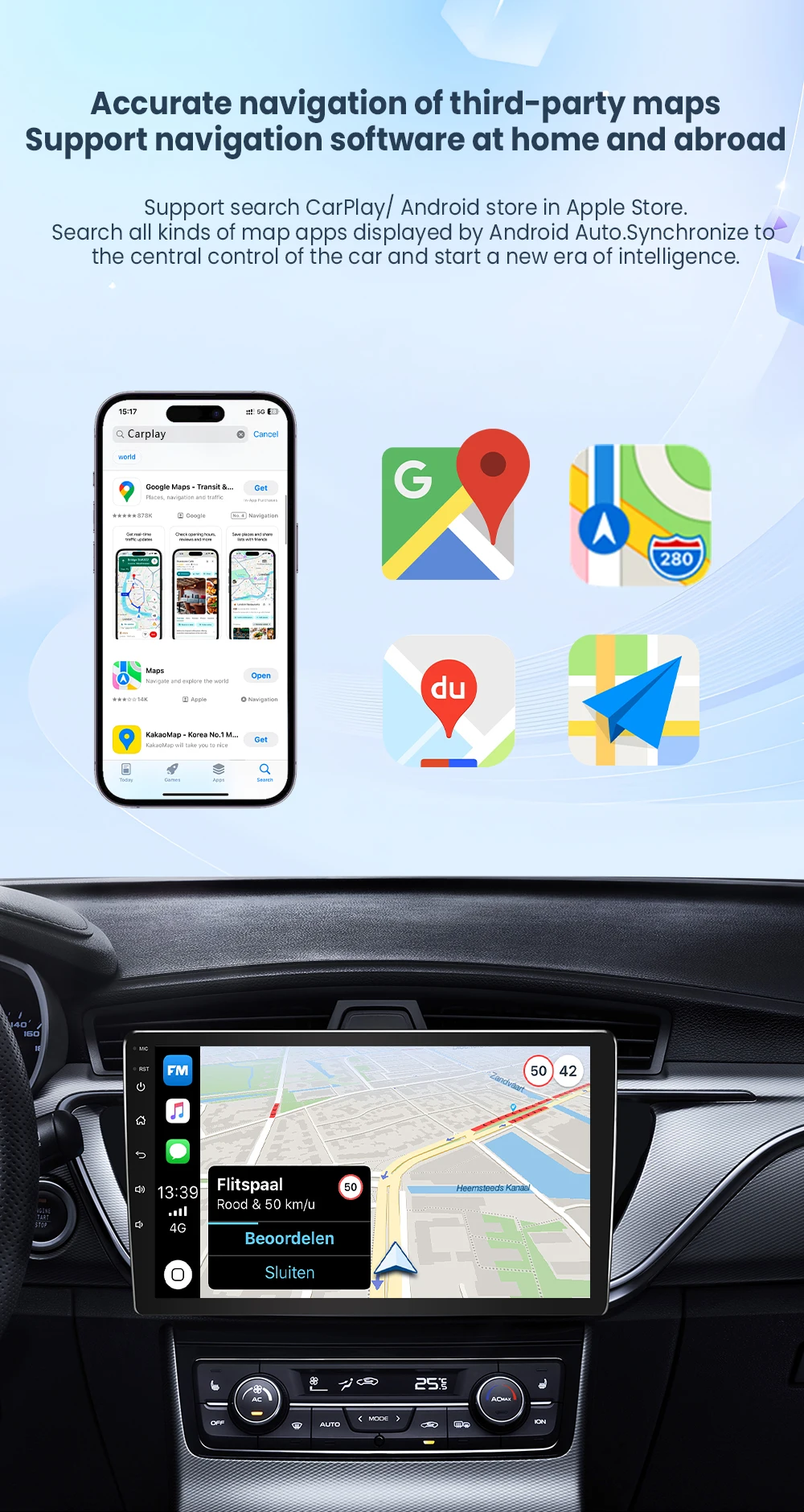
Car Support: For Audi, Benz, Volvo, VW, Toyota, Skoda, Seat, Nissan, Mazda, Lexus, Kia, Jeep, Jaguar, Hyundai, for Honda, Haval, GMC, Ford, Chevrolet, Citroën, Buick, Cadillac, Chery, MG
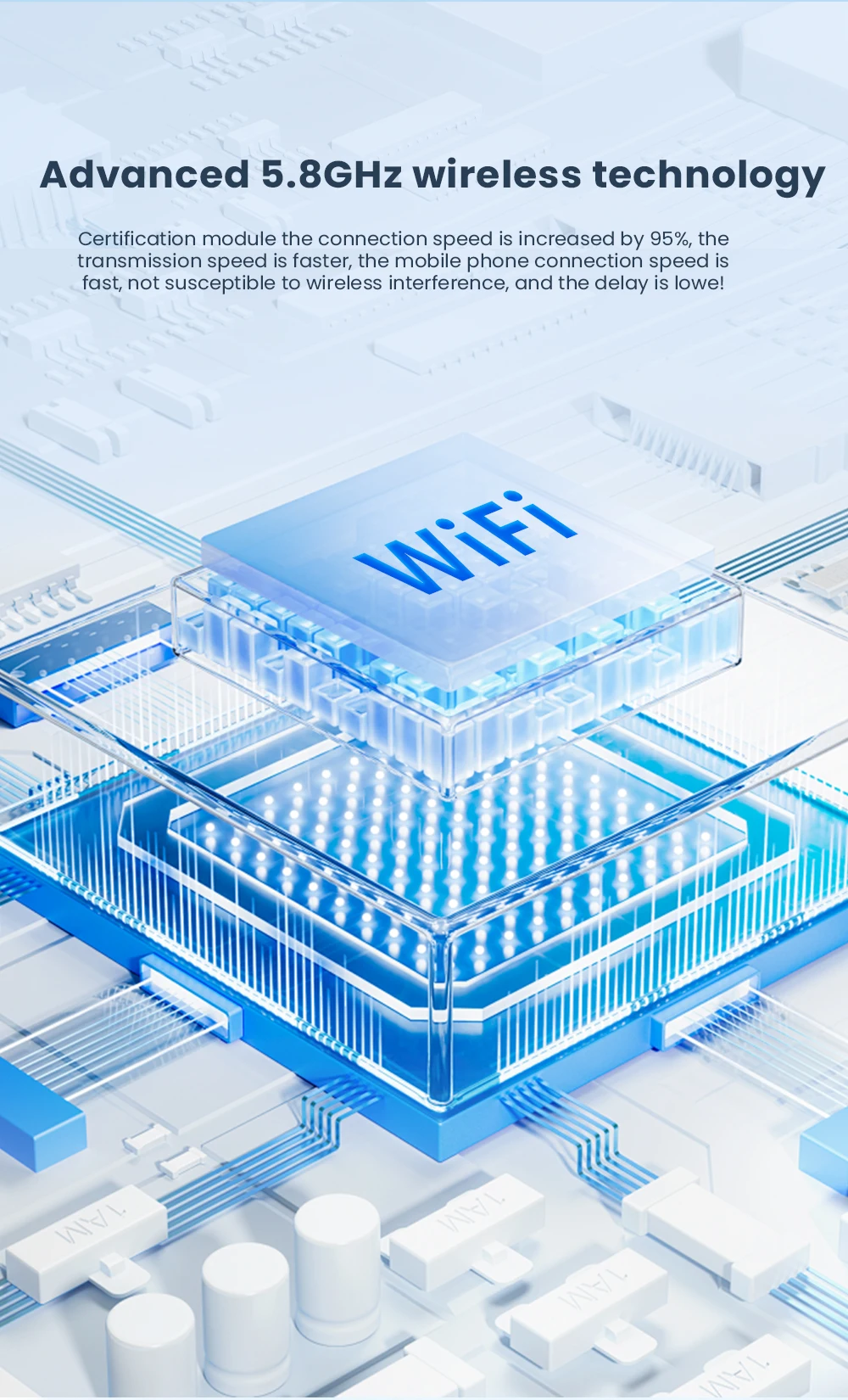
Wifi: 2.4G+5G
🌠Warm Tips:
Hello my friend, the link you purchased cannot directly contact the manufacturer. If you encounter any product problems, you can contact our more professional team to help you solve the problem and provide 1V1 guidance.
Whatsapp: +86 15211449241
E-mail: 205174429@qq.com
🎀Note before buying
1.This product only supports OEM car radios with 98% wired Apple Carplay/Android Auto.
2.If there is no wired Carplay/Android Auto support/please do not buy, you will not be able to use it if you buy it, because this one is entered through the car's original Carplay/Android Auto protocol.
3.This device does not support BMW/Tesla/Subaru/Mitsubishi/cars (Nissan is not recommended for purchase, poor compatibility)
🎀For Phone
1.For Carplay: Supports iPhone 6 and above models, software version is iOS 10 or above.
2. For Android Auto: Supports Android 11 and above models, and the phone supports wireless Android Auto.
3. Huawei phones are quite unique, as Huawei devices have their own mobile operating system - EMUI. Android Auto Wireless does not support EMUI
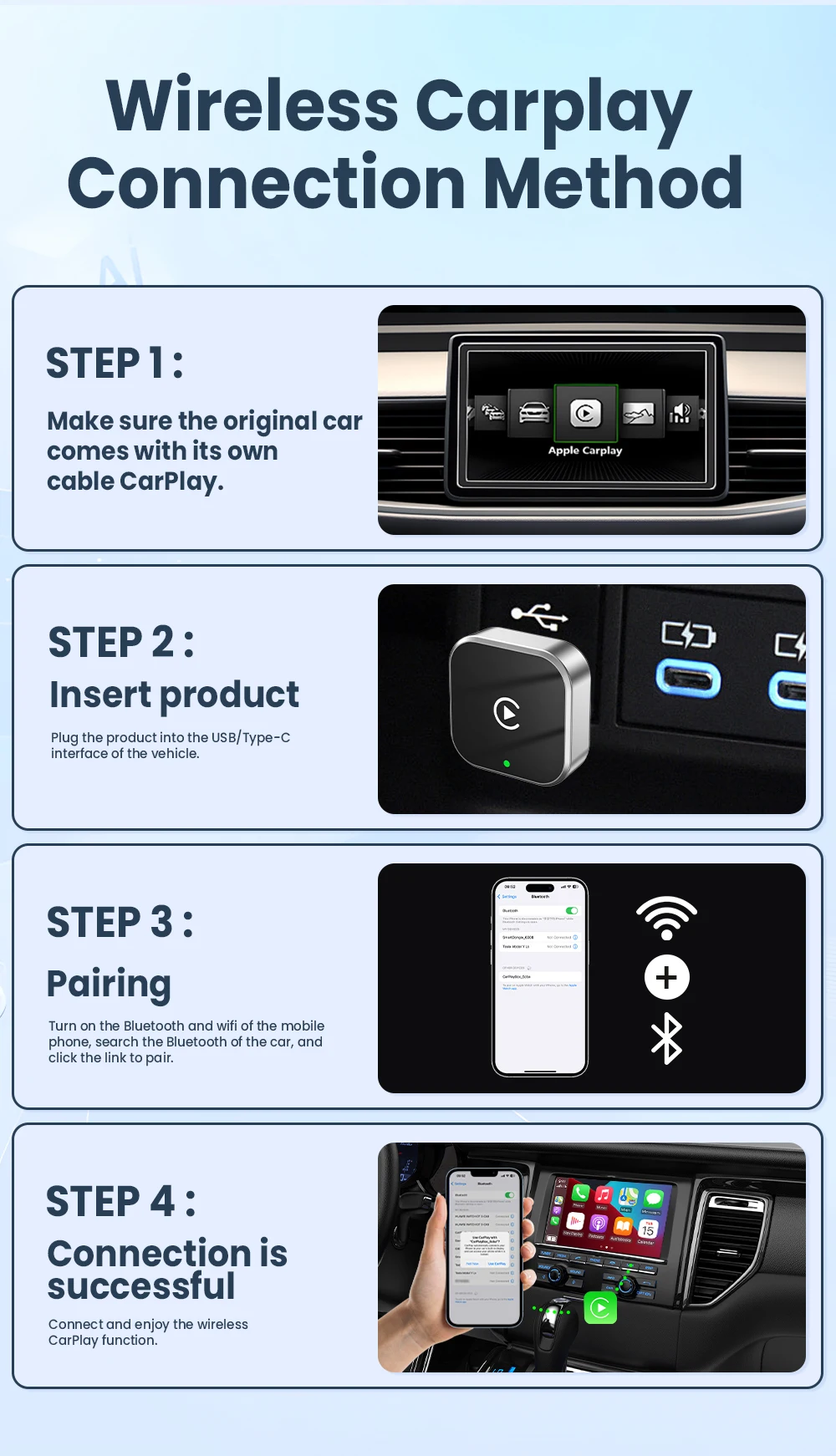
🎀How to use Wireless Carplay?
1.Connect the USB box to the car's USB port
2.Check the Bluetooth name "Smart Dongle-XXXX" that appears on the car
3.Turn on the phone's WIFI and Bluetooth and use the Bluetooth pairing device name.
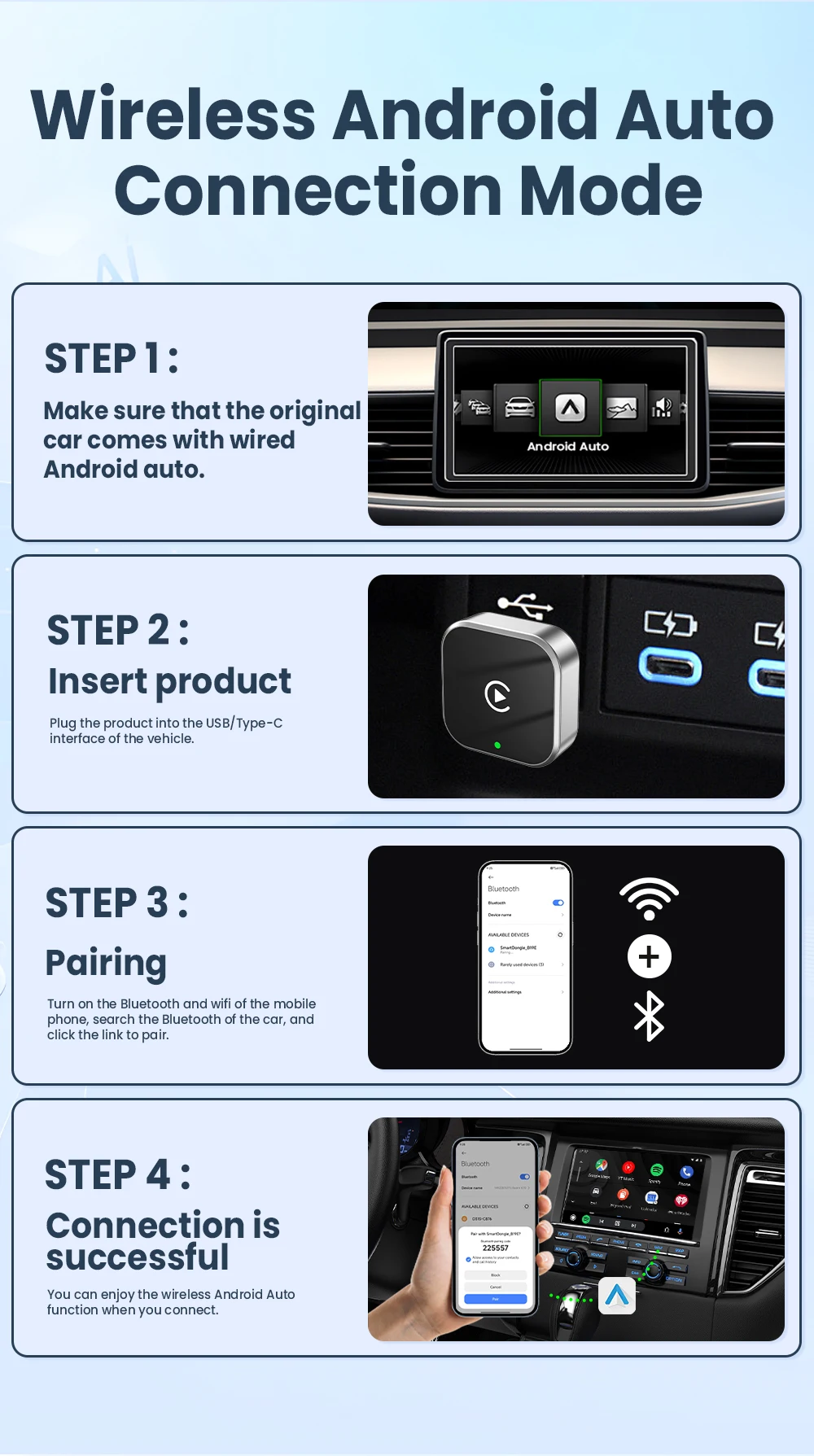
🎀How to use Wireless Android Auto?
1.Connect the USB box to the car's USB port
2.Check the Bluetooth name "Smart Dongle-XXXX" that appears on the car
3.Turn on the phone's WIFI and Bluetooth and use the Bluetooth pairing device name.
🎀Product Switching Function
If you need to switch from wireless Carplay auto function to wireless Android auto
Please use an Android phone to connect the device's Bluetooth name. After successful connection, wait for the device to automatically reset and restart. The process takes about 30 seconds. Keep it powered on. Carplay will switch to Android Auto function
So you can use an Android phone to connect to the wireless Android Auto function
Note:
1. To use wireless Android Auto
Your car must have the Android Auto channel function
Your phone is an Android system and supports the Android Auto function
2. To use wireless Carplay
Your car must have the Carplay channel function
Your phone is an Apple phone and has an iOS10 or higher system
🎀How to upgrade for iPhone online?
Go to the backend page with an iPhone
1.Please use your phone to connect to the device Wifi: "Smart Dongle" and enter the password: "12345678",
2.Open the Safari browser on your iPhone and enter the IP address: "192.168.1.101,
3.Click "Access" or "Go" to access the online upgrade backend. (If you cannot enter, please check if the phone's Wifi is correctly connected to the device)
🎀Android Phone Upgrade Method
Access Android phone backend page
1.Please use your phone to connect to the device Wifi: "Smart Dongle" Enter the password: "12345678"
2.Open the mobile phone's Chrome browser and enter the IP address: "192.168.1.101
3. Click "Access" or "Go" to access the online upgrade backend interface. (If you cannot enter, please check if the phone's Wifi is correctly connected to the device)